Is SetSage on Google Play?
Yes. The phone and watch apps are one Google Play listing, for Android phones (Android 8 or later) and Wear OS watches (Wear OS 3 or later).
Can I use SetSage without a watch or without an account?
Yes to both. Tap Start on phone to log your workout on the phone, and use SetSage without signing in. You only need an account (Google sign-in) for cloud backup and restore, SetSage AI, linking to a trainer, and the live connection to your AI agent (Pro).
Which watches work?
SetSage is designed for Wear OS 3 and later. We've tested it on the OnePlus Watch 3; Pixel Watch and Samsung Galaxy Watch 4 and newer should work, and we'll list them as we test them. iPhone is coming soon; Apple Watch later.
Is there an iPhone app?
Not yet. SetSage runs on Android phones and Wear OS watches today. An iPhone app is coming soon.
What works offline, and when does the watch sync?
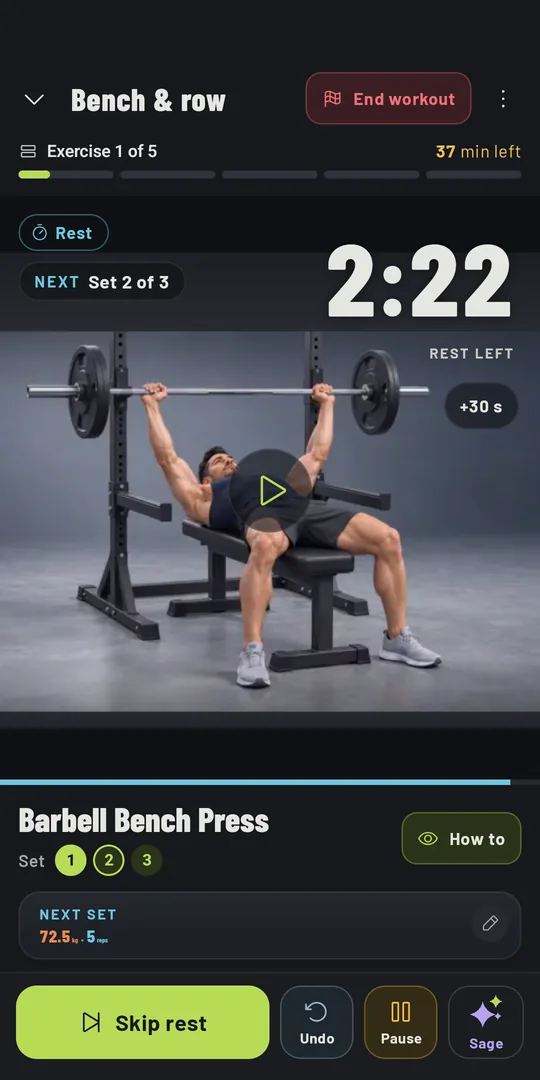
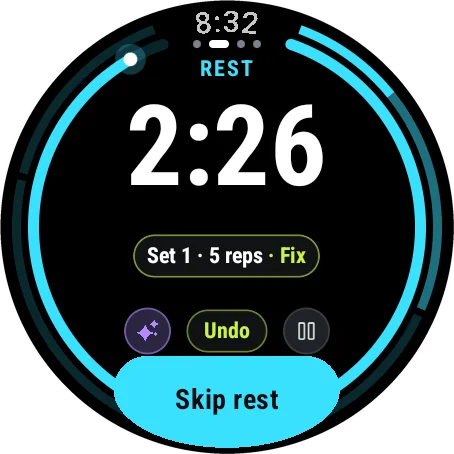
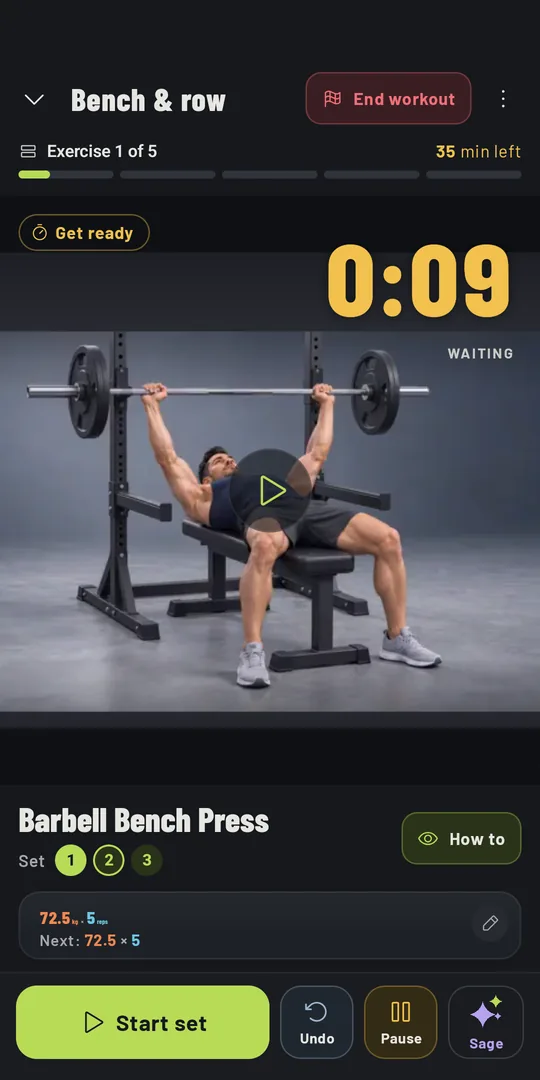
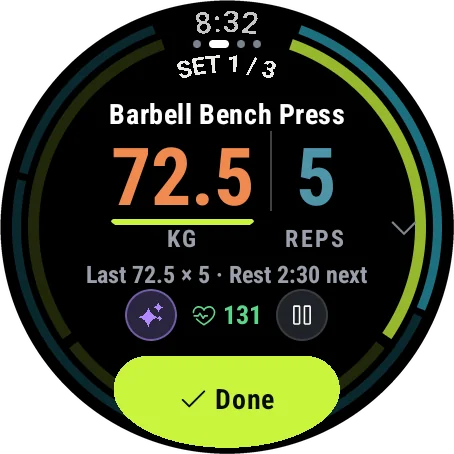
Everything works offline, on the phone and on the watch, so you can train with just your watch. The watch keeps your next plan and recent history, and sends each finished workout to the phone when they're next connected. When they are connected, they stay in step during the workout: log a set on either and the other keeps up.
What is Workout mode?
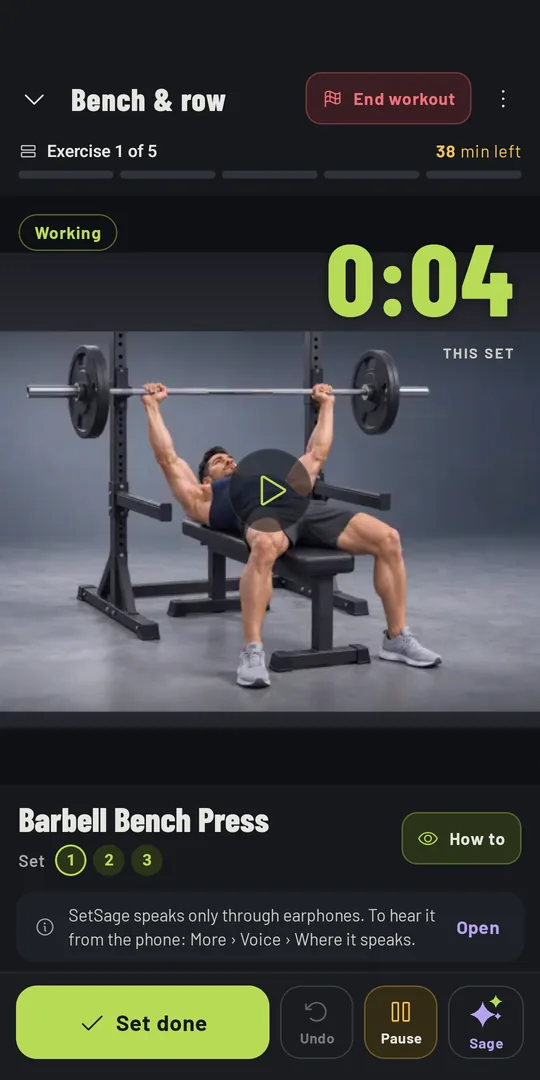
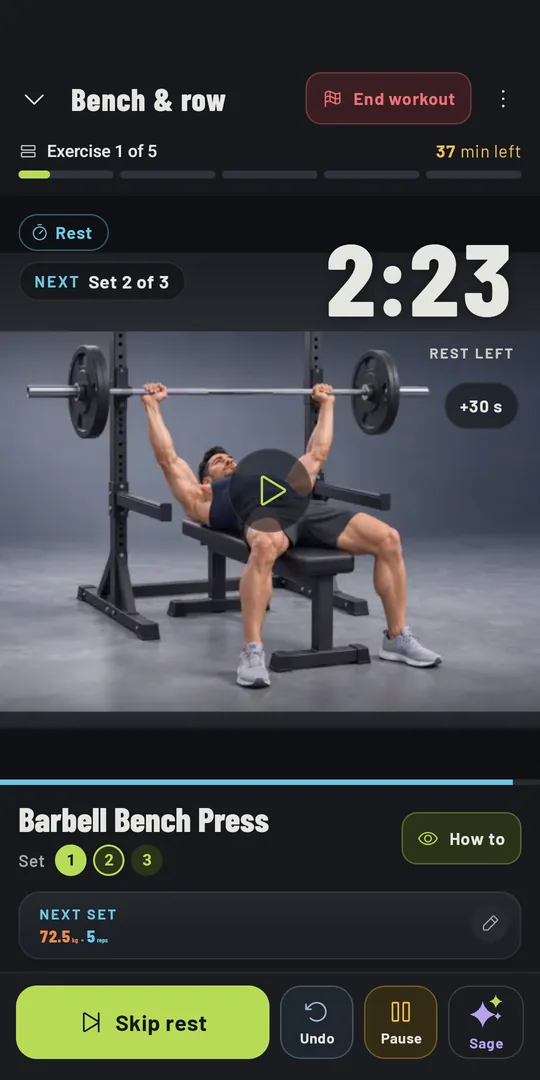
A full-screen workout for every type of session: strength, runs, intervals and classes, on your phone and your watch at once. From the workout list you can reorder, swap, skip or add exercises, add notes or end the workout. Minimise it and a live bar stays on every tab.
Can I talk to SetSage during a workout?
Yes. Tap the violet Ask button on any page, even mid-workout, and type, or hold it to talk. It understands gym talk like “swap bench for dumbbell press”, “start from deadlifts”, “too easy”, “too hard”, “next time”, “that was a 9” and notes. Changes for today happen at once, with Undo; changes to your plan show you first. SetSage can also speak in your earphones (Off, Short or Full). Your music dips while it talks, it never talks during a call, and you can switch it off any time. On the watch, use Say it.
What is the debrief?
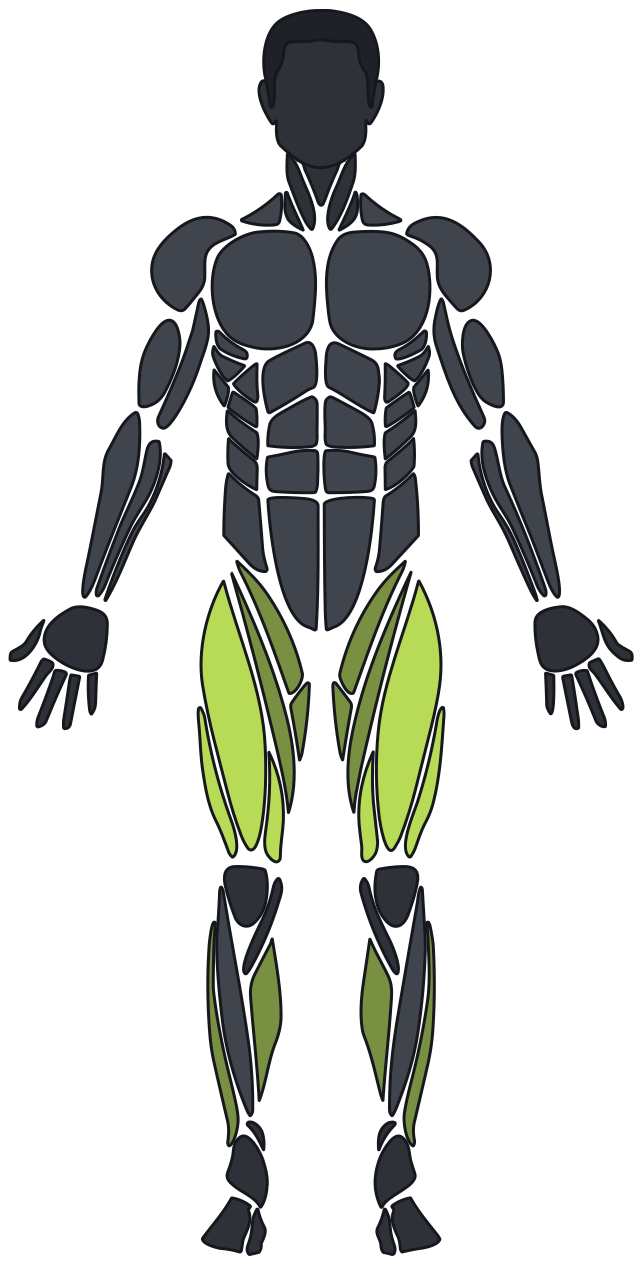
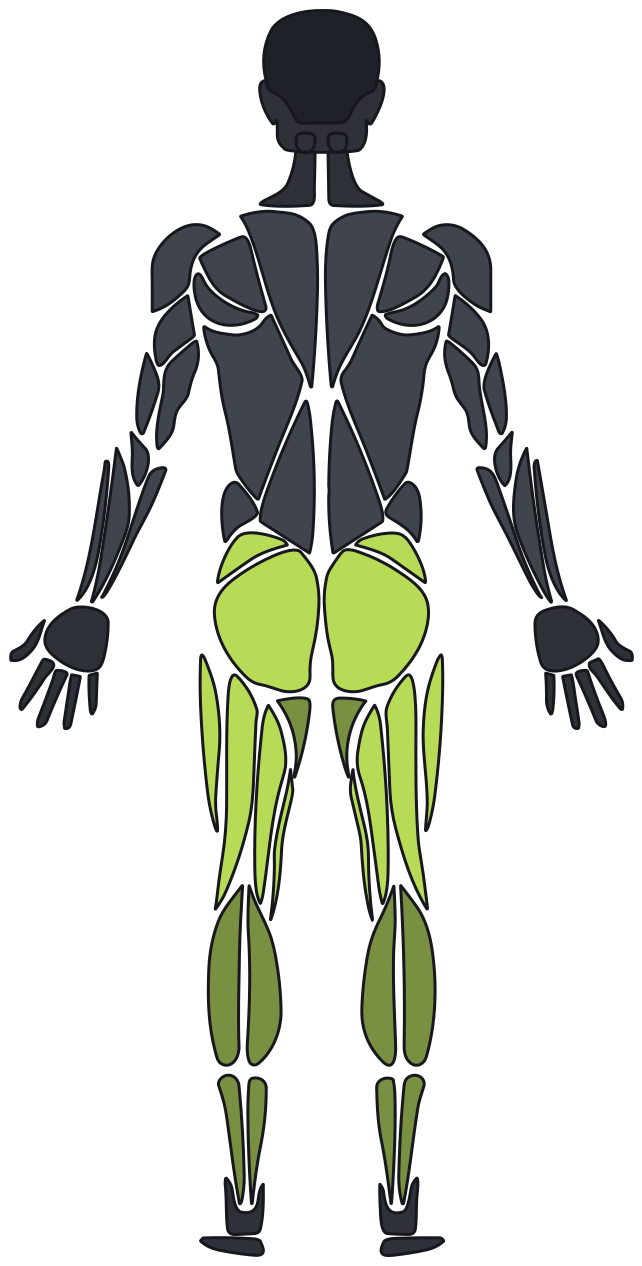
A short review after every workout. It shows what you changed (keep it, or today only), what you said and noted, the muscles you worked, and SetSage AI's read of the session if you've agreed to it and signed in. Then come How did it feel?, Next time and the coming days.
What are recovery checks?
If your next session works the same main muscles within 48 hours, SetSage suggests one thing: swap it, go lighter or keep it. You can change the 48 hours. Recovery checks run on your phone and work offline.
Can I track runs, rides, rows and swims on the watch?
Yes. They run live on the watch with distance, pace, splits and laps, and intervals round by round. SetSage uses GPS only if you allow it, and never keeps your route. After a run, it sets a target for next time.
Which workout app works with AI agents like Claude and ChatGPT?
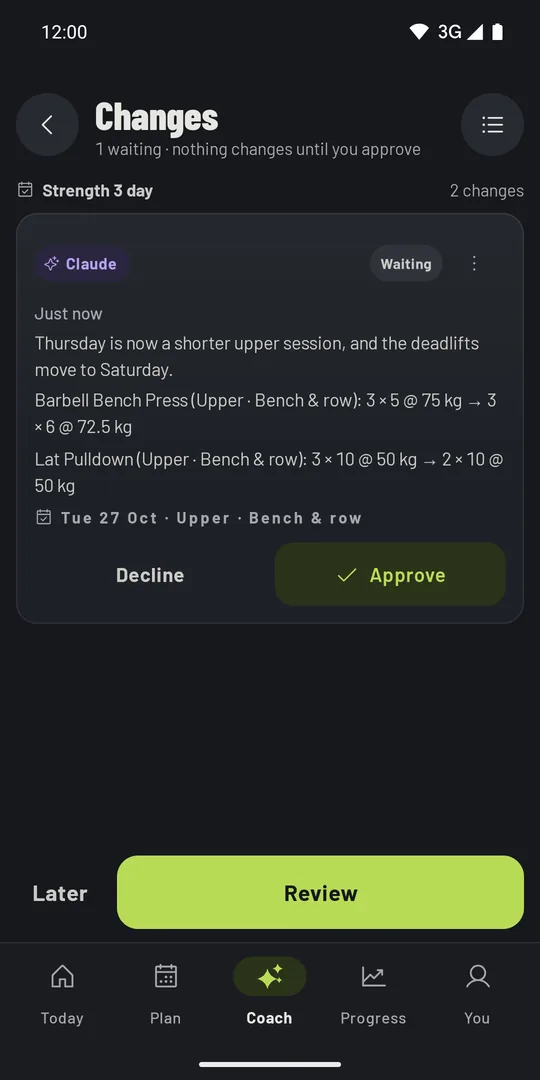
SetSage does. Share a training summary to the Claude, ChatGPT or Gemini app for free, or with Pro connect Claude, ChatGPT or your own MCP agent live. Review changes before they apply, or let them apply automatically. Every change has one-tap Undo.
What's the difference between sharing with my AI and a live connection?
Sharing is free: SetSage sends a summary of your training to your AI app, and you share its reply back to review the changes. A live connection (Pro) lets your AI agent read the training you allow and send changes whenever you ask it, without copying anything across.
What can my AI see and change?
Only what you allow. Workouts, heart rate, body details and notes are switches, and SetSage never sends your name or email. You choose read only, ask first (the default) or apply and tell me. Review changes before they apply, or let them apply automatically. Every change has one-tap Undo.
How do I turn off my AI's access or undo a change?
In SetSage, go to Coach → My AI to turn off your connection. Every change your AI makes has one-tap Undo. An AI can delete a plan, a workout or a goal only if you approve it on your phone.
Do I need to pay for an AI subscription?
No. Sharing works with the free Claude, ChatGPT and Gemini apps. If you connect your own agent, you use your own account with its maker. SetSage doesn't sell, provide or pay for it.
Can I use my own custom AI agent?
Yes. Any agent that supports MCP (Streamable HTTP) can connect, including agents you build with the Claude or OpenAI tools. See the connection guide for AI agents.
Can I set goals?
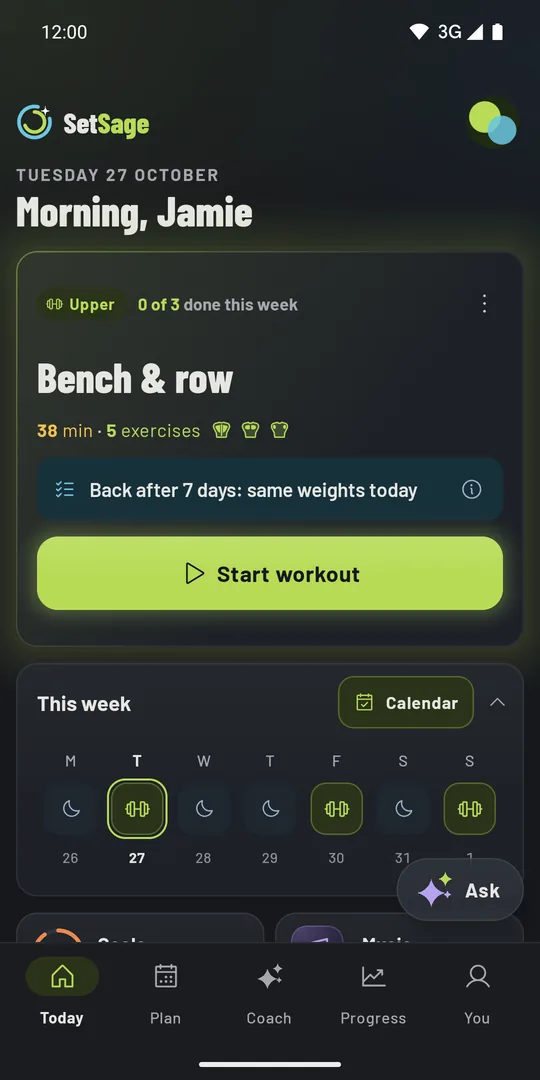
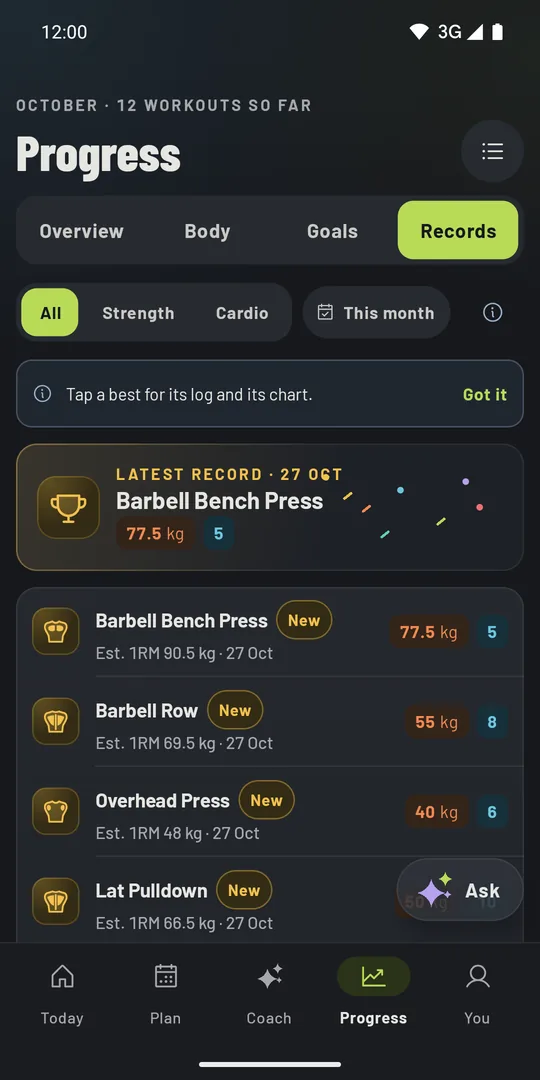
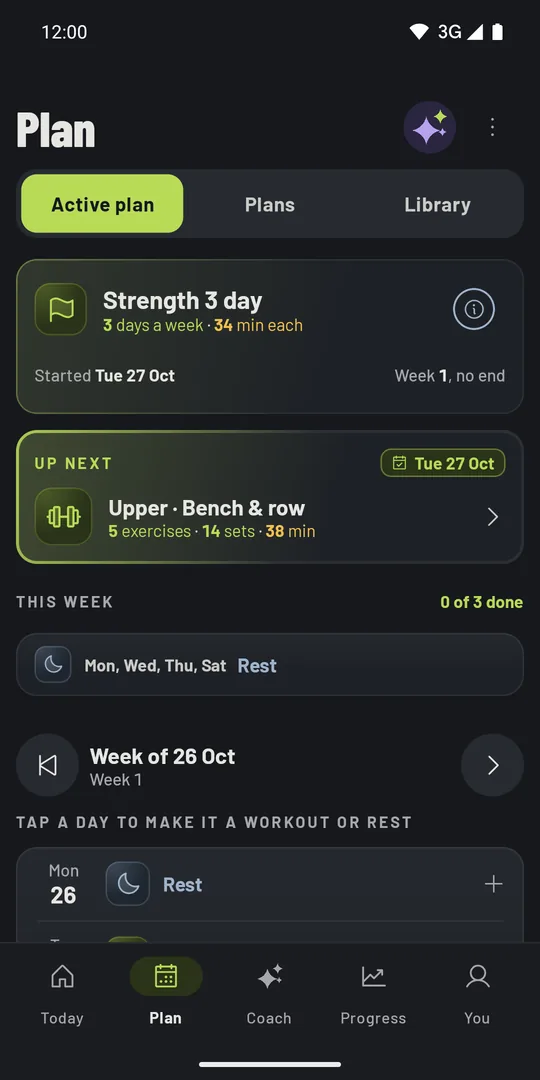
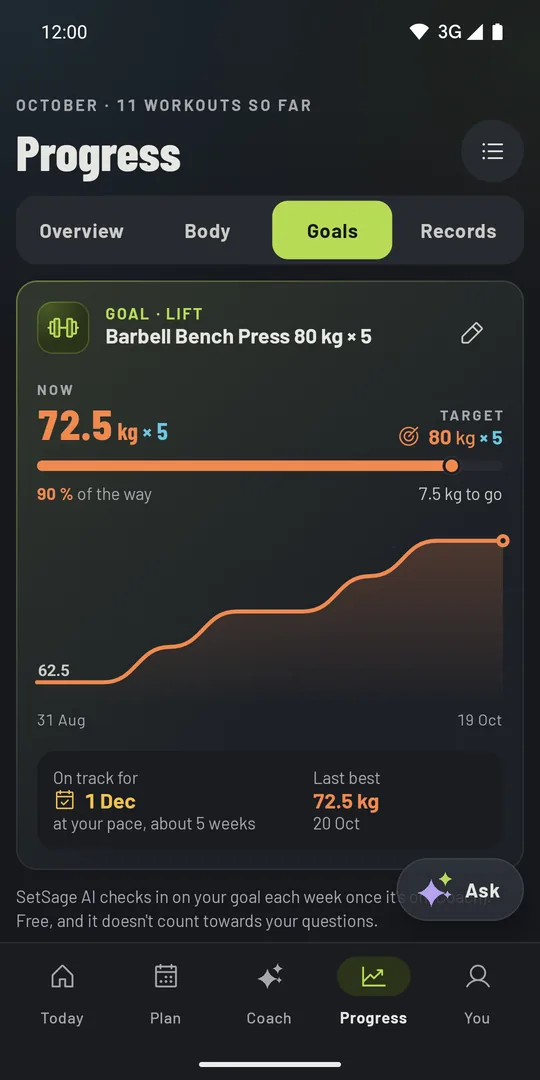
Yes. Set strength, habit and cardio goals, with a date if you want one, and see progress on Today and on a watch face complication. Progress shows each goal against a target line, next to an Overview and Records for every lift. Share your goals with your AI if you want.
Is there a version for personal trainers?
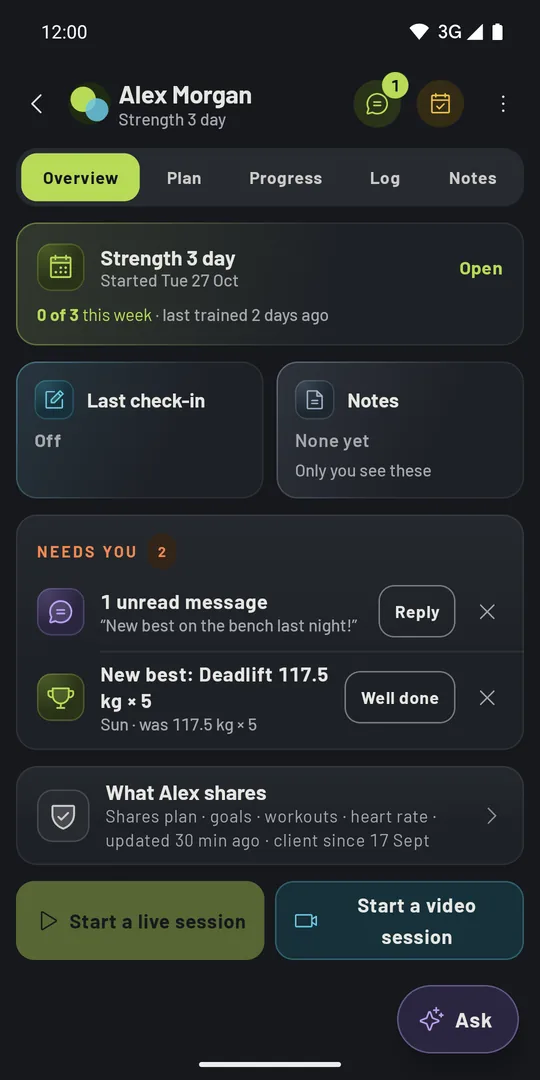
Yes. Trainers invite clients with a code, QR code or link, see the training each client chooses to share, send programmes the client approves, suggest goals, run weekly check-ins, book sessions and message them. Clients find their trainer in the Coach tab. Free for up to 3 clients; Trainer (£19.99 a month, 30 clients) and Trainer Plus (£39.99 a month, 100 clients) include Pro, for the trainer and their linked clients. Clients don't need to pay. See setsage.co.uk/trainers.html.
What is SetSage AI?
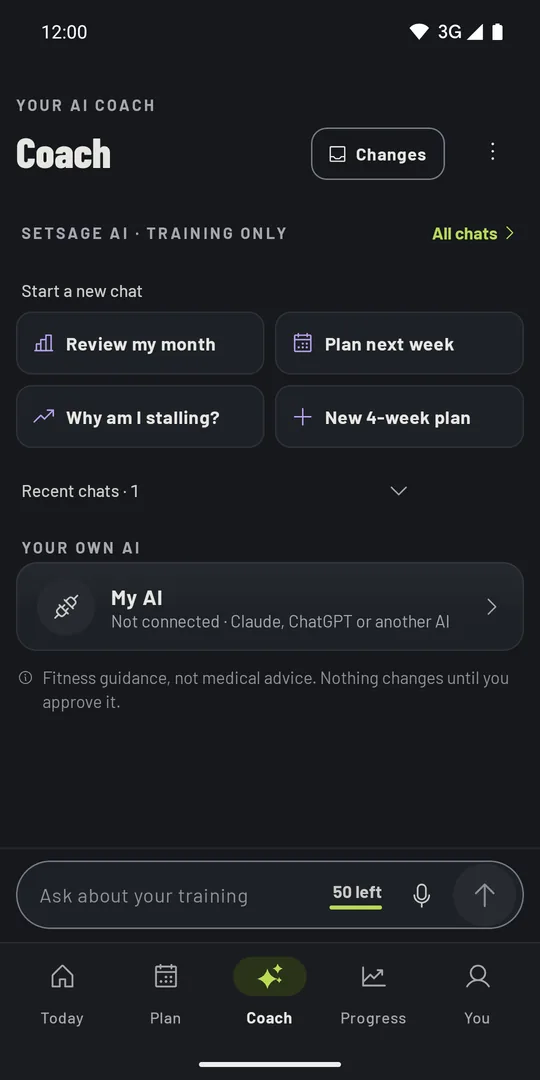
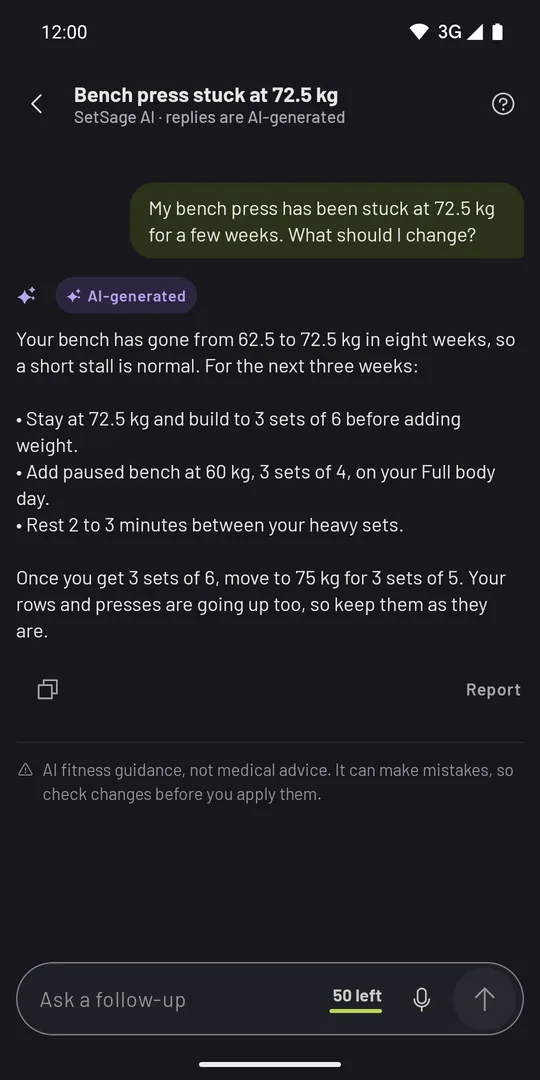
A coach built into SetSage, so you don't need an AI account of your own. You'll find it in the Coach tab, and it gives its read of each workout in your debrief. It uses Google Gemini, needs a Google sign-in and your consent, and gives you 5 requests a month free or 50 on Pro. Any changes it suggests wait for you to approve them. If you mention pain, an injury or a health condition, it pauses and suggests seeing a professional.
Is SetSage medical advice?
No. SetSage gives fitness estimates and AI fitness guidance, and isn't a medical device. If you have pain, an injury or a health condition, check with a health professional first.